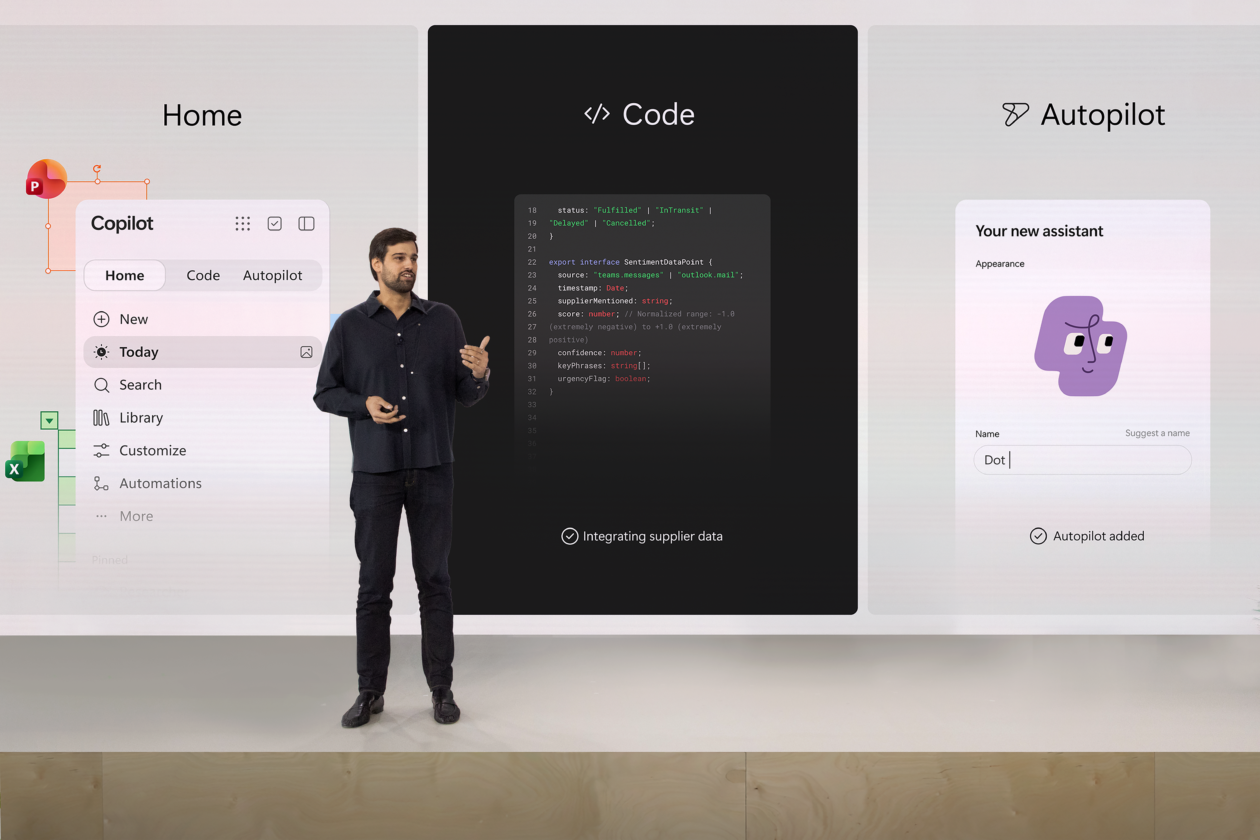
Dots, Codex in the cloud, GPT-6.1 Sol and every major DevDay announcement, with rollout details.
 |
| Wednesday, September 30, 2026 · Edition 322 |
|
Good morning. Today’s edition is devoted to OpenAI DevDay, with a separate story for each announcement and clear details on access and rollout.
OpenAI’s September 29 recap · Features are rolling out; account and workspace access may vary.
|
|
TOP 5
Five DevDay stories worth your time.
|
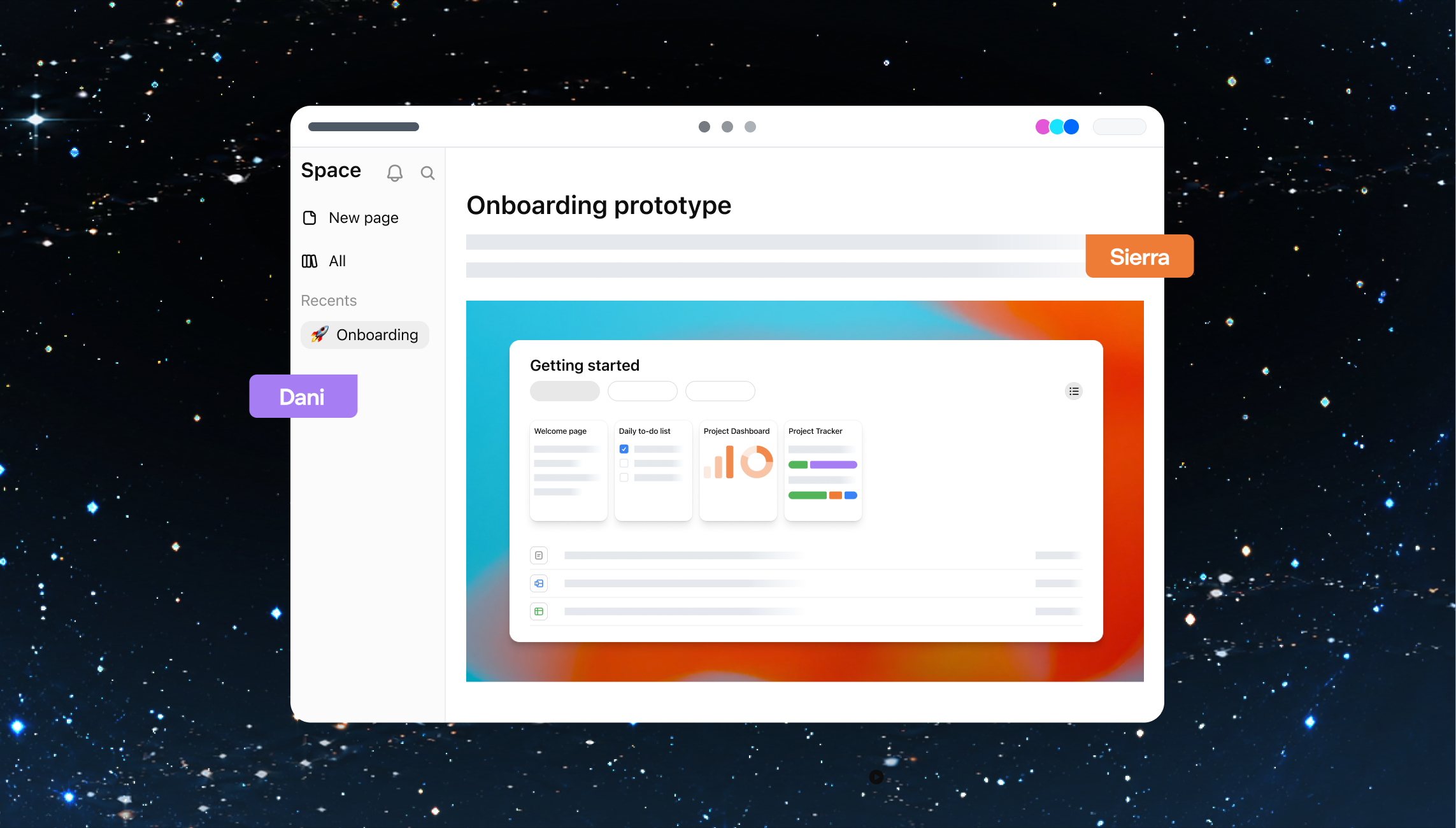 OpenAI’s illustration of people collaborating on a prototype in ChatGPT Space. Image: OpenAI.
|
|
01 · Dots
OpenAI’s Dots are ongoing agents with their own cloud computer, browser and connected apps. A Dot can keep track of a project, prepare work while you’re away and carry context between ChatGPT, Slack and Teams. Its background research uses read-only tools; actions follow your permissions and approval rules.
Your first Dot is rolling out with Pro and Business Premium in eligible markets. Enterprise, Edu and Healthcare users need an admin to enable the beta. OpenAI also previewed specialist Dots for defined company responsibilities, beginning with enterprise pilots.
OpenAI / Dots announcement
|
|
|
02 · Codex in the cloud
You can start and continue coding tasks from desktop, web or mobile. Reusable cloud environments hold a project’s repositories, tools and dependencies, while each task gets its own workspace. Codex can keep working while your computer sleeps; you return to review changes and test results.
Cloud access is rolling out to eligible Plus, Pro, Business, Enterprise, Healthcare and Education accounts. Workspace settings still apply. The setup is reusable, so a team can give new tasks the same approved tools instead of rebuilding the environment each time.
OpenAI / Codex Cloud guide · Plan eligibility and rollout
|
|
|
03 · GPT-6.1 Sol
OpenAI reports that its new Sol model approaches Astra on several tests of coding, document understanding and computer use. It is rolling out in ChatGPT Work and Codex for eligible paid plans, and is available through the API. It has not reached ordinary Chat.
Standard API pricing is $2 per million input tokens, $0.10 for cached input and $10 for output. Those rates matter for businesses running repeated tasks. OpenAI’s test results do not establish equal performance on every job.
OpenAI / GPT‑6.1 Sol announcement
|
|
|
04 · ChatGPT Space
Library becomes Space for Pro, Business and Enterprise users. Teams can keep files and shared knowledge together, then bring ChatGPT, Codex or a Dot into the work. Web and desktop support creating and editing pages; mobile supports finding, reading and sharing them, with editing coming later.
OpenAI / Space product guide
|
|
|
05 · Plugin extensions
Developers can give a plugin its own sidebar entry, a full-screen app or a panel beside the conversation. They can also build viewers and editors for supported file types. This creates room for a product’s working interface inside ChatGPT, with the conversation available alongside it.
Plugin requirements and workspace controls still apply.
OpenAI / plugin extension documentation
|
|
|
AI Workflows | Wednesday: Problem and product prototyping
A small intake form can show whether the second customer email is avoidable.
On September 29, OpenAI released GPT-6.1 Sol in ChatGPT Work and Codex, with improvements in coding and multistep work. Work can build a private, interactive Site preview, though Sites and app connections depend on your plan and workspace settings. Put those capabilities to a narrow test: can a better customer intake form collect the facts your staff usually has to ask for later?
Picture a print shop getting “I need 500 flyers next week.” A staff member still needs the finished size, whether the artwork is ready, the actual due date, and pickup or delivery. The useful prototype is a working form with a few conditional questions and an internal request card. Its job is to make an estimate possible without making a simple order tedious.
|
The decision: Do enough customers provide usable details through this form to justify a small live pilot? Set a pass mark before looking at the results. |
Ask an experienced employee which details are truly required. In an approved work account, give Work read-only access to past inquiries through a connected app and have it find the questions that repeatedly caused follow-up. Have it build the form and staff view in a private Site preview. Keep customer names and message text out of the prototype. If the approved connection is unavailable, use de-identified examples. The form should allow “I don’t know,” display missing facts clearly, and never invent a price or promise a delivery date.
|
Assignment to copy: “Build a private, mobile-friendly Site preview for our print-shop service desk. Review only the completed inquiries I have authorized through our read-only connection; identify details that led to extra emails. Use those patterns, without copying customer information into the Site, to make a short form that asks for quantity, finished size, artwork readiness, exact due date, and pickup or delivery. Let people say they do not know an answer. Show staff a request card with supplied facts and open questions. Test the form on ten de-identified past cases, including a rush job and one with no artwork. Report failures and time per case. Do not publish, send messages, change records, quote a price, or promise availability. Stop for my review.” |
Have a colleague play the requester using the full history of each test case. One reasonable bar: at least eight of ten cards contain enough information to start an estimate and take under two minutes to complete, with zero unsupported commitments. Fix confusing questions and rerun the failures. Passing earns a supervised customer pilot; it does not prove how real customers will behave.
A manager can run the same test on one service line before approving a wider rollout. Start with the ten requests that produced the most back-and-forth, and find out which question is worth asking up front.
|
|
|
AI TOOL SPOTLIGHT · Meetings plugin
The Meetings plugin saves personalized summaries and action items in Space. It uses your Mac’s microphone and system audio, so no bot has to join the call. Notes start private; you can review them, share them and ask ChatGPT to draft a follow-up or update a plan.
The beta is rolling out on macOS for Pro and Business users. Windows, iOS and Android support are coming later; Enterprise has a limited alpha. Audio is deleted after processing. For a first try, get everyone’s consent, take notes on an internal meeting and check the action items before sharing.
OpenAI / Meetings setup and availability
|
|
|
THE REST OF DEVDAY
Headlines
|
Working together
Pages
A Page can combine text, images, charts and interactive tools. Teammates edit together and leave comments, while ChatGPT helps revise the work. Pro, Business and Enterprise users can also set up automations to update pages from specified sources.
OpenAI / feature details
Collaborative slides
Coming in the next few weeks for Pro, Business and Enterprise, the feature supports shared editing, comments and your own templates. OpenAI says decks can be presented in ChatGPT or exported to PowerPoint and Google Slides with formatting retained.
OpenAI / feature details · Export details and timing
Create teams and share tasks
Business and Enterprise teams can delegate jobs such as weekly project updates. Team Tasks run in the cloud on a schedule or in response to connected-app events. Shared instructions, authorized connections and workspace permissions determine what each task can do.
OpenAI / feature details
@ChatGPT in Slack and Microsoft Teams
Colleagues can add context and refine a result in a channel, thread or direct message. Enabled teams can use approved connections without every participant needing an individual ChatGPT license. The product page lists Business, Enterprise and Edu availability.
OpenAI / feature details
Shareable profiles
A profile can show your bio, activity and up to 12 Sites you own. Sharing and the Sites showcase work on web and desktop. Personal profiles start private; Business sharing follows workspace settings. OpenAI’s detailed help page says Enterprise support is coming later.
OpenAI / feature details
|
|
Building and reviewing software
A refreshed Codex CLI
Developers can speak to Codex in the terminal and follow the agents working on separate tasks. The refresh also improves worktree handling, usage information and rendering. Codex is included across plans; the CLI’s local work still depends on its configured permissions.
OpenAI / feature details
Code Review
Read change summaries, inspect differences between versions and ask Codex to investigate potential problems. The new view covers GitHub pull requests and GitLab merge requests, with GitLab support in preview. With the required GitHub connection and automatic reviews enabled, a cloud review can arrive before you open the request.
OpenAI / feature details
Codex Security Cloud
Scan GitHub repositories on demand or monitor new commits. Codex investigates findings and proposes patches for review. OpenAI’s release notes also describe scheduled scans, duplicate removal and access to Daybreak Blue models within this product. Repository permissions, setup and billing configuration apply.
OpenAI / feature details · DevDay release notes
|
|
Models, speed and developer tools
Ultrafast
The premium speed tier is available for GPT‑6 Astra through the API and in Work and Codex on Pro 500 and Enterprise. It aims to shorten waits between successive agent steps. GPT‑6.1 Sol Ultrafast is coming soon.
OpenAI / feature details
Private Intelligence
Zero Data Retention with Private Safety Processing allows automated safety checks without OpenAI personnel viewing protected content. Encrypted safety records remain in the customer’s storage. A Private Inference preview, using confidential computing, is coming this fall.
OpenAI / feature details · Private Inference preview
Decisions API
Give Luna text or image context, a specific question and a finite answer list. The response can classify content, route requests or choose an agent’s next action. Limited preview begins now; wider release is planned in coming days.
OpenAI / feature details
Agents API with Computer use
Developers can build agents that navigate a hosted browser, gather information, test websites and complete tasks through software interfaces. OpenAI runs the underlying agent infrastructure. Computer use is the DevDay addition to the existing Agents API, which also supports multiple agents and context management.
OpenAI / feature details
Bedrock Managed Agents, powered by OpenAI
The limited preview combines OpenAI’s agent runtime with AWS services, identities and activity logs. AWS says model inference runs on Bedrock and customer data stays within AWS. The offering is aimed at teams that already build and govern their applications there.
AWS / product details
|
|
Plugins and connected work
Improved plugin creation, submission, and discovery
OpenAI also updated directory ranking and recommendations to help people find relevant plugins. Users choose what to install and approve its access.
OpenAI / feature details
Sites can now host plugins
Supported plugins can connect a shared Site to each teammate’s own data and permissions. OpenAI lists Business, Enterprise, Healthcare and Edu access for the update. Site owners can also add cloud schedules; those tasks need their own authorized data access.
OpenAI / feature details · Plan availability at DevDay
MCP events for plugin automations
Instead of waiting for a scheduled check, a supported plugin can alert ChatGPT when a message, comment or status changes. Users specify what to monitor and what should happen next. The integration uses the proposed MCP Events standard and needs developer support.
OpenAI / feature details
|
|
Plans, sign-in and purchasing
Sign in with ChatGPT
Plus and Pro users can authorize eligible AI requests in tools including Devin, Notion and Vercel, then set a weekly limit for each app. Login and allowance sharing are separate choices. Some partners support login only, and a partner’s separate fees can still apply.
OpenAI / feature details
A new Pro tier
The new tier has the largest included allowance among Pro plans. Pro 100 and Pro 200 remain options. Existing eligible Pro 200 subscribers keep their previous allowance through October 29; afterward, that allowance decreases while the $200 monthly price stays the same.
OpenAI / feature details
OpenAI Marketplace
Marketplace partners include Adobe, Figma, Salesforce and CrowdStrike. Eligible customers can apply part of an existing OpenAI commitment, subject to agreed limits. Customers contract with and pay the partner directly; OpenAI reconciles the eligible spending against the commitment.
OpenAI / feature details
|
|
|
mAIn Street gives nontechnical readers useful AI news they can put to work.
mAIn Street #322 · Wednesday, September 30, 2026
Reporting checked through September 29, 2026.
|
|
|
|